


Richard Casino App
18+
1152 reviews
88641
Downloads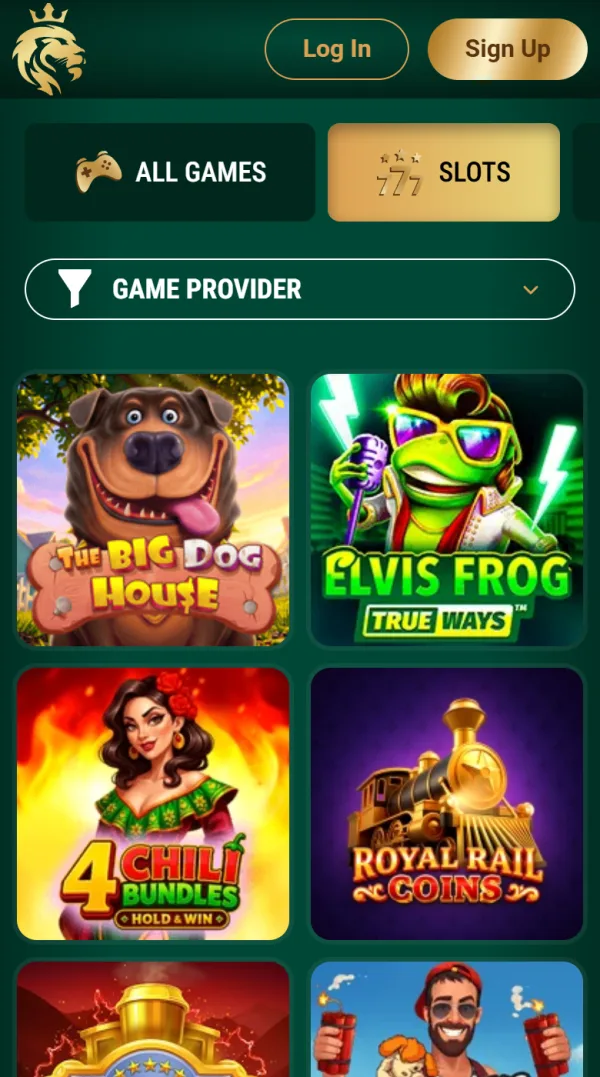
Richard Casino App Download Free on Android and iPhone
Free APK for Android and a web app for iPhone. Same account, AUD balance and 20 free spins for notifications.
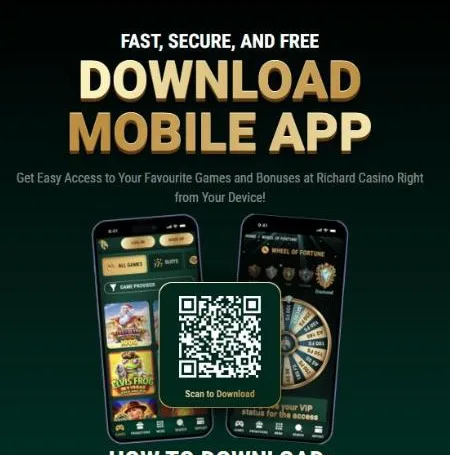
Richard Casino gives Android players a native APK and turns the website into a web app on iPhone. Both are free, and both use the same account as the site, so your balance, bonuses and progress follow you everywhere. On a computer, the Mobile App page shows a QR code: scan it with your phone to go straight to the download.
Below you will find setup steps for both systems, what you get on first launch and how to fix common install problems.
The App at a Glance
Here is how the two versions compare.
| Parameter | Android | iPhone |
|---|---|---|
| Format | Native APK | Web app (PWA) |
| Where to get it | Official site, Download App | Safari, Add to Home Screen |
| Price | Free | Free |
| Account | Same as on the website | Same as on the website |
| App bonus | 20 free spins for notifications | Ask support whether it applies |
| Notifications | Yes | Depends on the device |
How to Install the APK on Android
The Android app is not in Google Play, so you download it from the casino itself:
STEP 1 OF 6
Open the site or scan the QR code
Open the casino site in Chrome on your Android phone, or scan the QR code on the desktop Mobile App page.
STEP 2 OF 6
Tap Download App
Open the menu and tap Download App.
STEP 3 OF 6
Download the APK
Tap the download link. The .apk file is saved to your phone.
STEP 4 OF 6
Open the file
Open the downloaded file.
STEP 5 OF 6
Install and open
Tap Install, then Open.
STEP 6 OF 6
Log in
Log in with your existing account or create a new one.
Allowing Installs from Unknown Sources
If Android blocks the installation, it will ask you to allow "Install unknown apps" for Chrome. Open the prompt or go to Settings, then Security, and turn the permission on. This is a standard step for any app that does not come from Google Play. Once the app is installed, you can switch the permission off again.
How to Add Richard Casino to an iPhone
There is no Richard Casino app in the App Store. Instead, the site is built as a progressive web app, which behaves like a normal app once it is on your home screen:
STEP 1 OF 4
Open Safari
Open the casino site in Safari.
STEP 2 OF 4
Tap Share
Tap the Share button, the square with an arrow.
STEP 3 OF 4
Add to Home Screen
Choose Add to Home Screen.
STEP 4 OF 4
Tap Add
Keep the name Richard Casino and tap Add.
The Richard Casino icon now sits on your home screen and opens in full-screen mode, without the browser bar. Log in with your usual details.
First Launch: Log In and Collect 20 Free Spins
The casino's own instructions are short. Log in to your account and make sure you have made at least one deposit. Open the app, sign in and allow notifications when the app asks. Players with a deposit receive 20 free spins straight away. No account yet? You can register right inside the app. If anything goes wrong with your password, see the login help page.
What You Can Do in the App
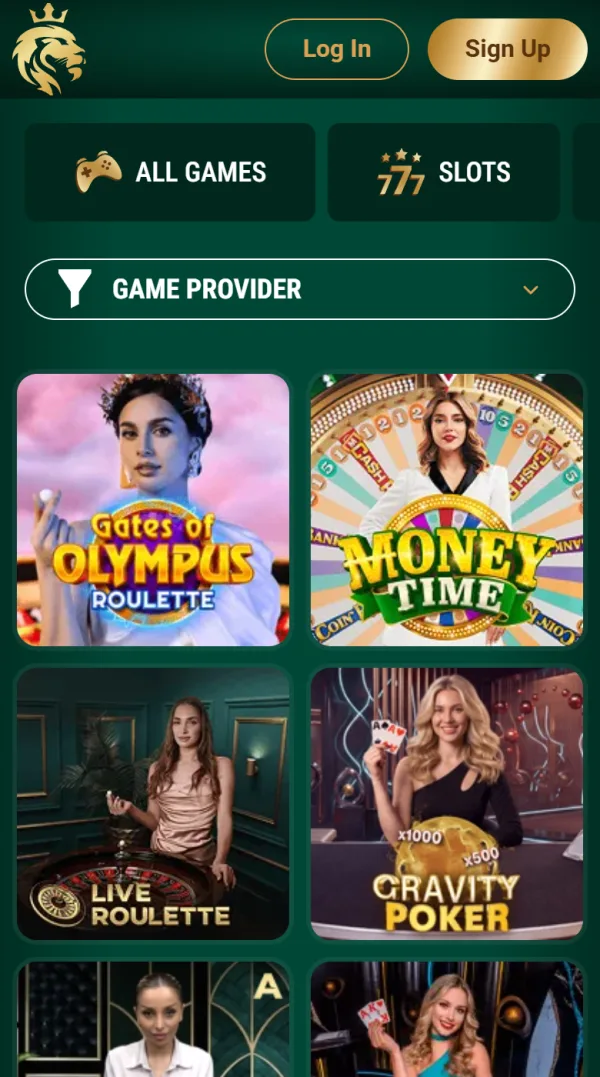
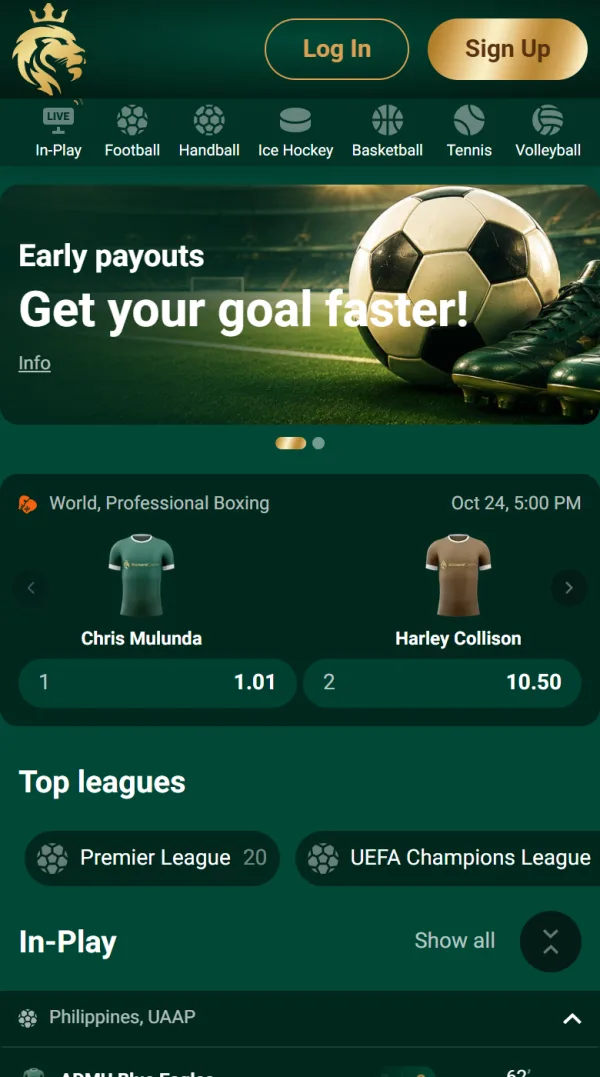
The app gives you the full casino, not a cut-down version. You get all 8,800+ games, from pokies and jackpots to live blackjack and roulette, plus crash games such as Aviator. The sportsbook works in the app too, with In-Play markets on AFL, cricket, rugby and international leagues: see what is on offer in sports betting. The cashier handles deposits and withdrawals in AUD, and you can claim bonuses, join tournaments and open live chat. Balance and progress are synced with the website at all times.
New Games at Richard Casino

Super Hotfire Diamonds

Phoenix Inferno

Don't Die
App or Mobile Browser?
Both options give you the same games and the same account. The main difference is convenience.
| Feature | App | Mobile browser |
|---|---|---|
| Installation | APK on Android, home screen icon on iPhone | Not needed |
| 20 free spins | For turning on notifications | Not part of the offer |
| Games and sportsbook | Full access | Full access |
| Account and balance | Shared | Shared |
Troubleshooting and Updates
If the app does not install or open, check these points:
- Android blocks the file: allow installs from unknown sources for Chrome.
- Not enough storage: free up some space and download the APK again.
- The file did not finish downloading: delete it and download it again over a stable connection.
- No Add to Home Screen option on iPhone: you are probably not in Safari. Open the site in Safari and try again.
To update the Android app, download the latest APK from the official site and install it over the old one. Your account and balance stay as they are. If a problem continues, contact support.
Download Safely
Download the app only from the official Richard Casino site. There are no Richard Casino apps in Google Play or the App Store, so any listing there is not genuine and should be avoided. The app follows the same data protection terms as the website.
FAQ
Do I need a separate account for the app?
No. You log in with the same email and password as on the website, and everything is synced.
Is the app available in Google Play or the App Store?
No. Android players download the APK from the official site, and iPhone players add the web app through Safari.
How do I get 20 free spins in the app?
Make at least one deposit, log in to the app and allow notifications. The spins are credited straight away.
Can I bet on sports in the app?
Yes. The sportsbook is available in the app with the same markets, In-Play betting and freebets as on the website.
How do I update the Android app?
Download the newest APK from the official site and install it over the current version.
Can I deposit and withdraw through the app?
Yes. The cashier works in the app with the same payment methods and limits in AUD.
