
Richard Casino Australia Login: Email, Google and Password Help
One account at Richard Casino works on the website and in the app, and signing in takes less than a minute. Below are the exact steps, how to log in on your phone, how to reset a forgotten password and what to do if the casino will not let you in.
Welcome Pack

How to Log In Step by Step
Here is the standard way to sign in with your email:
Click Log In
Click Log In in the top right corner of any page. On mobile, the button sits in the top bar.

The login window opens
A full-screen window opens with the Log in form on the right.
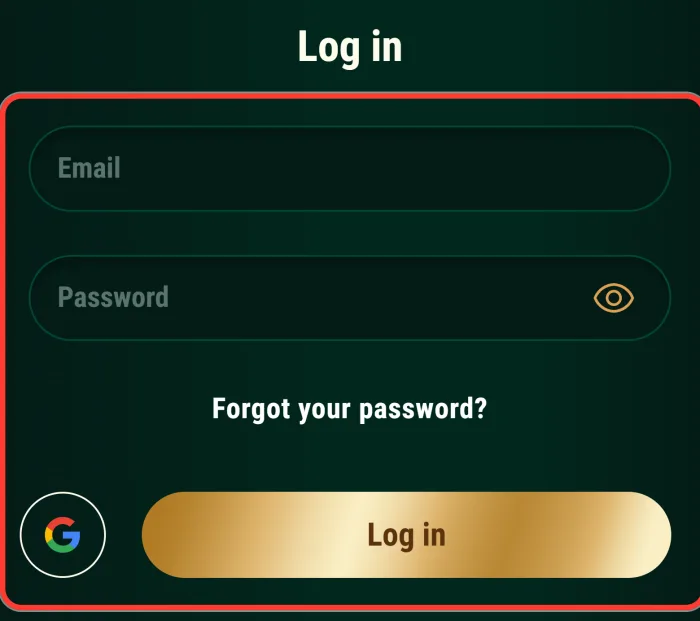
Enter your email
Enter the Email you used when you registered.
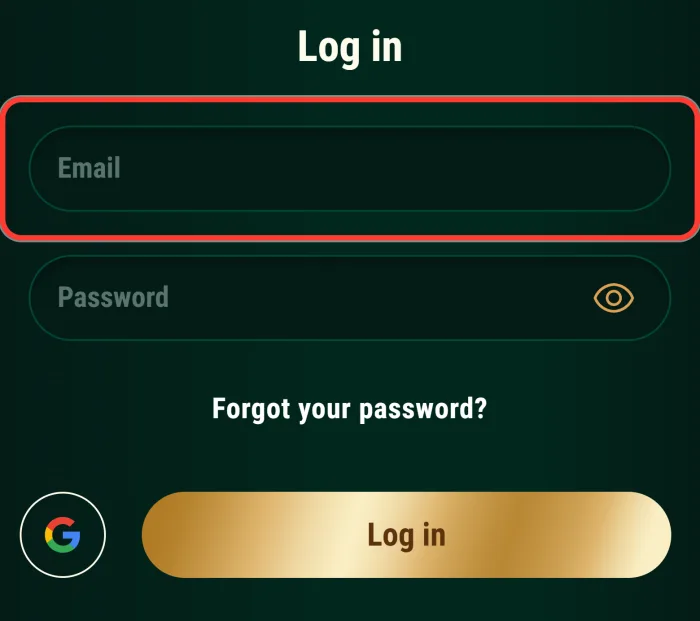
Enter your password
Enter your Password. The eye icon shows or hides what you type.
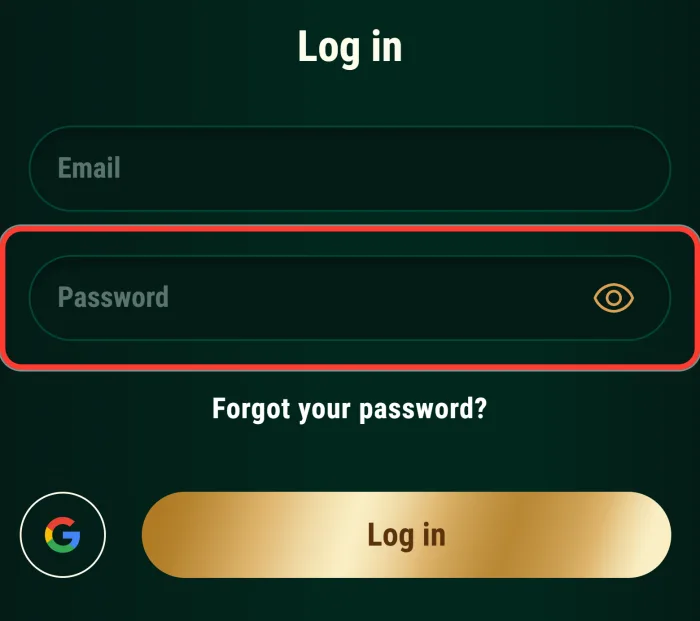
Click Log in
Click Log in.
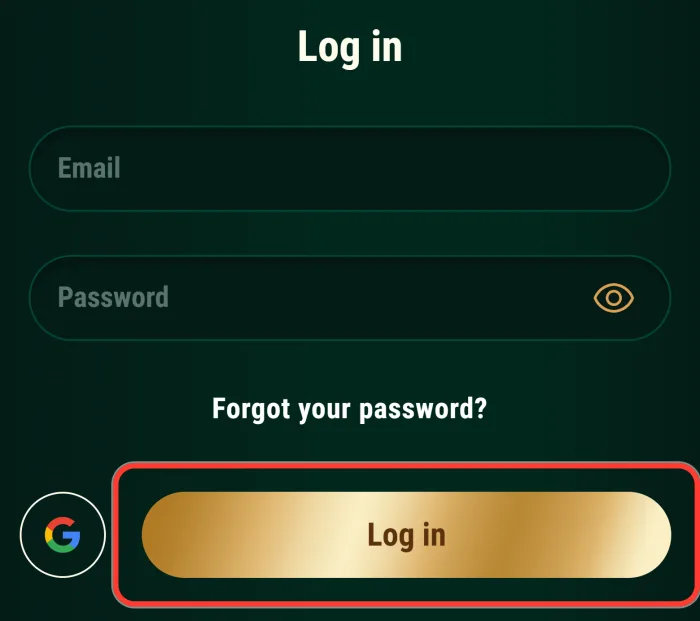
That is all: there is no captcha on the form. On a shared or public device, do not let the browser save your password.
Log In with Google
Under the form you will see "or continue with" and a Google button. It works for accounts that were created through Google. If you registered with an email and password, sign in with those details instead.
Logging In on Mobile and in the App
In a mobile browser the process is the same: tap Log In in the top bar and enter your details. The app works with the same email and password. Android players install it as an APK from the official site, while iPhone players add the site to the home screen through Safari. Balance, bonuses and game progress are shared between the website and the app. Players with at least one deposit also get 20 free spins for turning on push notifications in the Richard Casino app.

Forgot Your Password?
Resetting a password takes about two minutes:
Click Forgot your password?
In the login window, click Forgot your password?
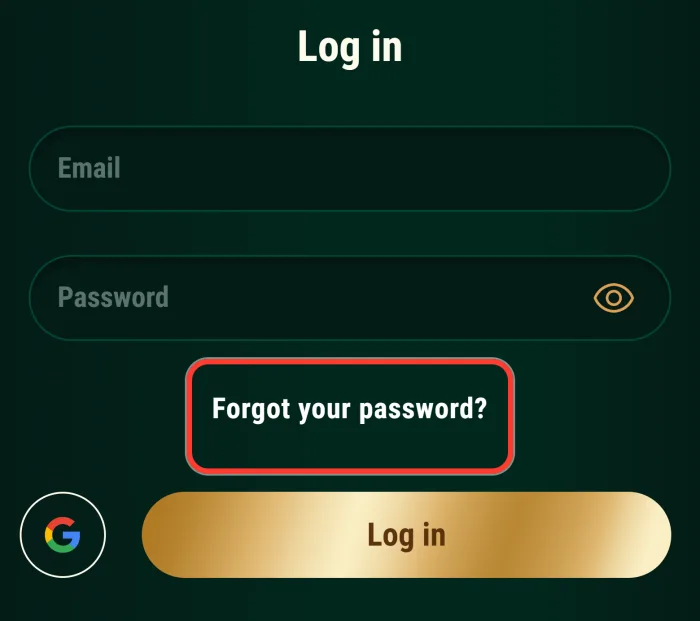
Open the reset screen
The Reset password screen opens.
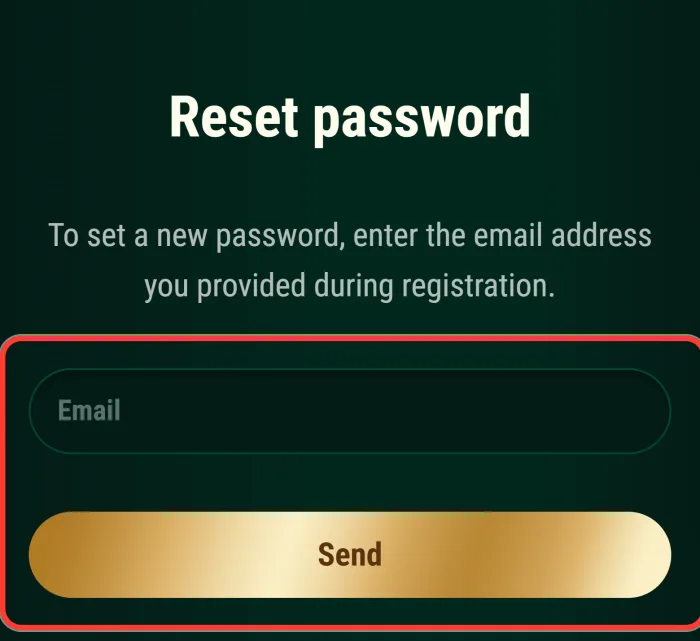
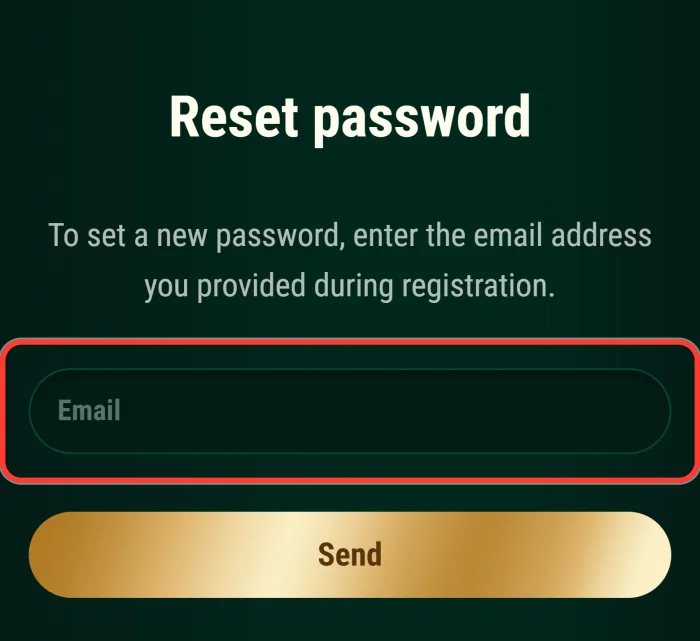
Enter your email
Enter the email address you provided at registration.
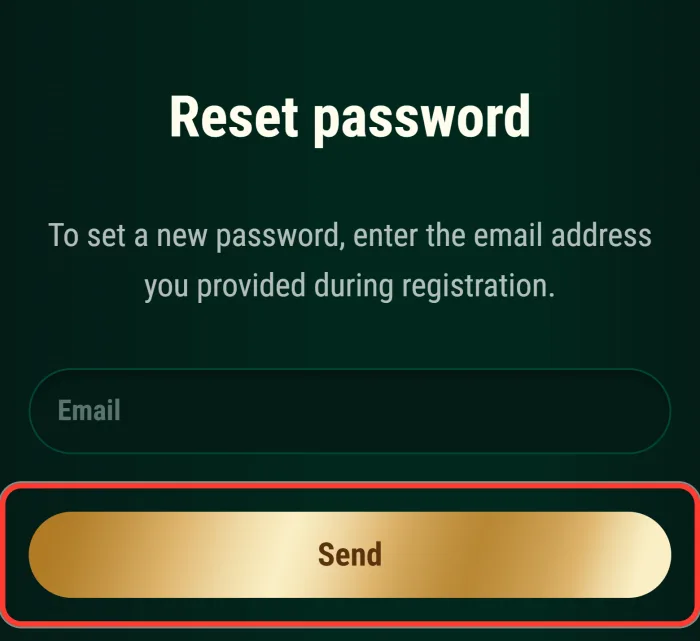
Click Send
Click Send.
Open the email
Open the email from the casino and follow the link.
Set a new password
Set a new password and log in.
If the email does not arrive within a few minutes, check your spam folder. The link Need help? Contact Support on the same screen takes you to the support team, and Back returns you to the login form.
Login Problems and Quick Fixes
Most sign-in problems have a simple cause. Here are the common ones and what to do about them.
| Problem | What to do |
|---|---|
| Wrong email or password | Check for typos and Caps Lock, then reset your password if needed |
| Email not confirmed | Find the confirmation email from registration and follow the link |
| Page does not load | Clear the browser cache or open the site through the link on this page |
| Using a VPN | Turn it off: VPN use is not allowed and can cost you your winnings |
| Account closed or self-excluded | Contact support by email to find out the status |
| Forgot which sign-in method was used | Try Google, then try email and password reset |
If nothing helps, write to support@richardcasino.com. Live chat opens only after you sign in, so email is the way to reach the team when you are locked out.
Use the Right Address
The casino works through numbered addresses, and the number changes over time. If an old Richard Casino 11 login bookmark stops loading or opens a version for another country, use the current address instead. The link on this site always points to the right place. Never enter your password on a lookalike domain. Your account is the same on every official address.
What You Get After Signing In
Several parts of the casino open only once you are logged in:
- The cashier for deposits and withdrawals in AUD.
- Your active bonuses and the promo code field.
- Tournaments and your progress in them.
- Live chat with support, available 24/7.
- The verification section, where you upload your documents.
Take a look at the current bonuses before your next deposit.
No Account Yet?
The link New here? Sign up in the login window switches straight to the registration form. A new account comes with a welcome pack on your first five deposits: up to 5,000 AUD and 500 free spins, plus sports freebets. You need to be 18 or older. Start here and create an account in about a minute.

Keeping Your Account Safe
A few habits keep your account protected:
The casino allows one account per person, and the email on your account cannot be changed later. You will need to upload documents before your first withdrawal. If you want to set limits or take a break, support can turn on a cooling-off period or self-exclusion.
Use a password that you do not use anywhere else.
Do not share your login details with anyone.
Log out when you play on a shared device.
FAQ
Can I use the same login on the website and the app?
Yes. The app uses the same email and password, and your balance and bonuses are shared.
Does Richard Casino have two-factor authentication?
Two-factor authentication is not enabled for player accounts. Protect your account with a strong, unique password.
Why can't I open live chat before logging in?
For guests, the chat button leads to the sign-up form. Log in to chat, or email support@richardcasino.com if you cannot access your account.
Can I change the email on my account?
No. The email cannot be changed. Other profile details are updated through support with supporting documents.
What should I do if the reset email does not arrive?
Check your spam folder and make sure you entered the email from registration. If it still does not come, contact support by email.
Can I log in from overseas?
Using a VPN is not allowed by the rules. If you travel, the casino may open a version for your current country, and access depends on local restrictions.
